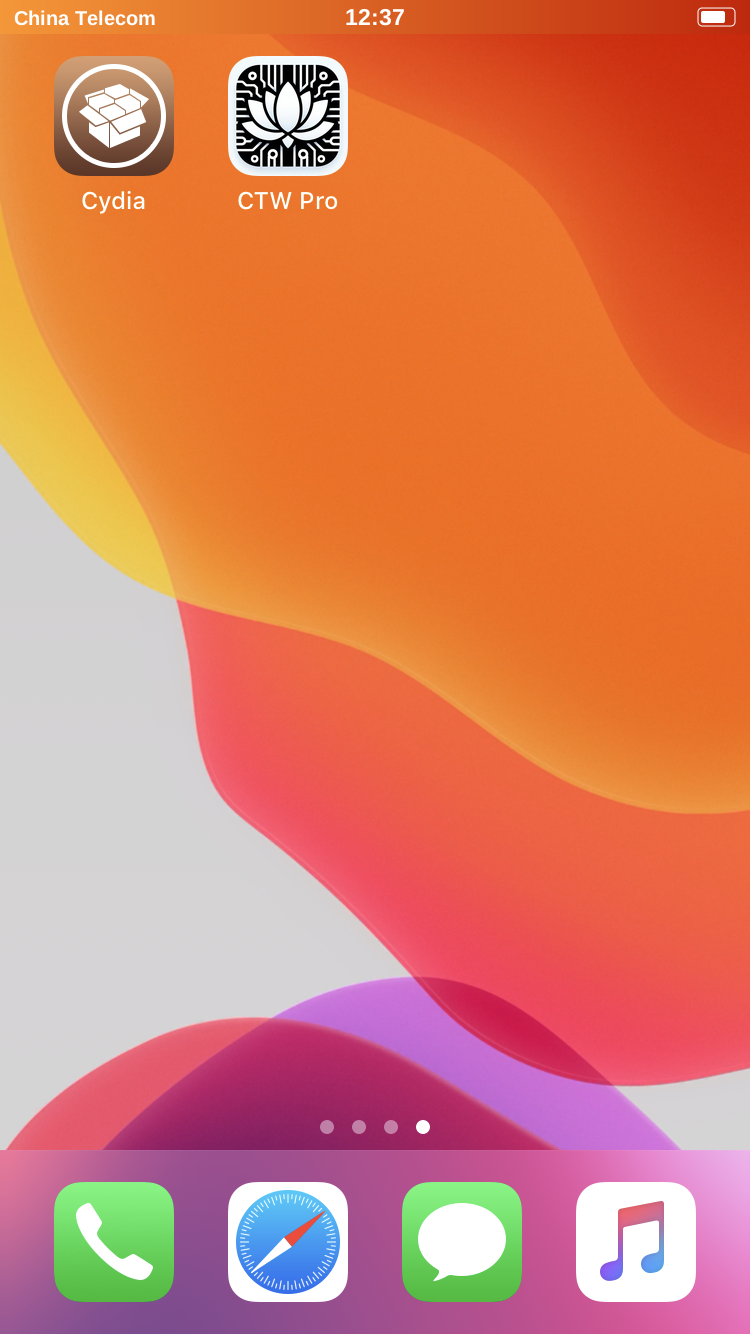
Install CTW Pro with Cydia
Other tools that perform similar device profile or data changes can conflict with CTW Pro. Uninstall them before installing CTW Pro.
Official repository address http://apt.ctwpro.com
Follow the steps below. The illustrations use English Cydia labels so you can identify each control.
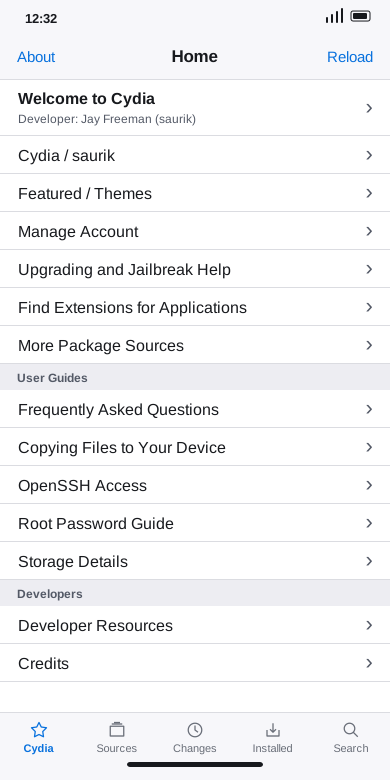
- After jailbreaking your device, open Cydia from the Home Screen.

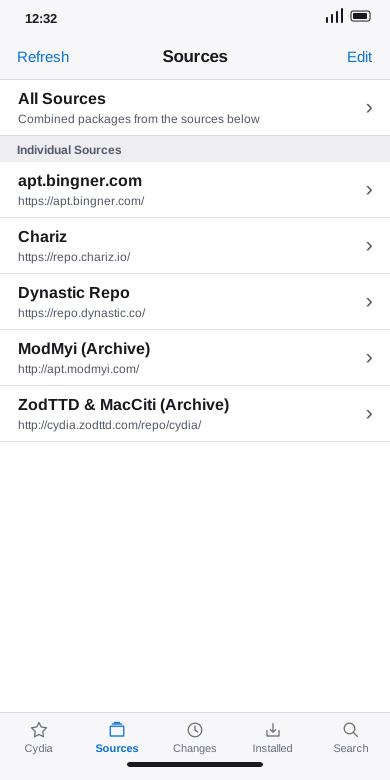
- Tap Sources in the bottom navigation.
- Tap Edit at the top right.
- Tap Add at the top left.
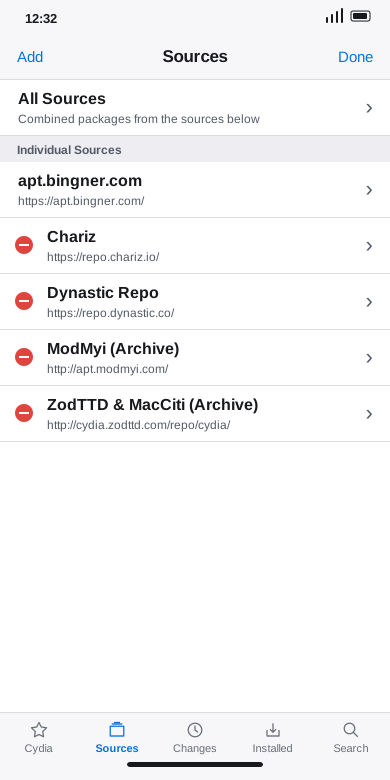
- Enter
http://apt.ctwpro.comand tap Add Source.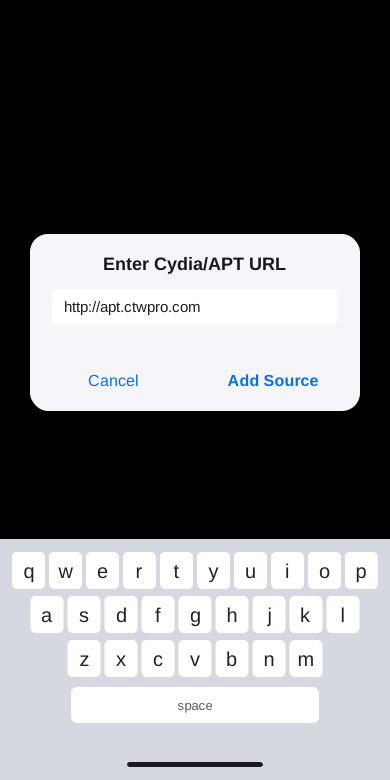
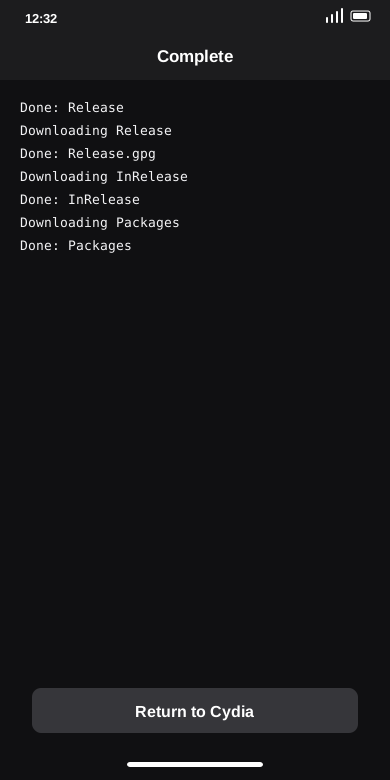
- Wait for Cydia to refresh the repositories. If the refresh stalls for a long time, tap Cancel.

- When the refresh finishes, tap Return to Cydia.
- Open the CTW Pro Official Repository at
http://apt.ctwpro.com.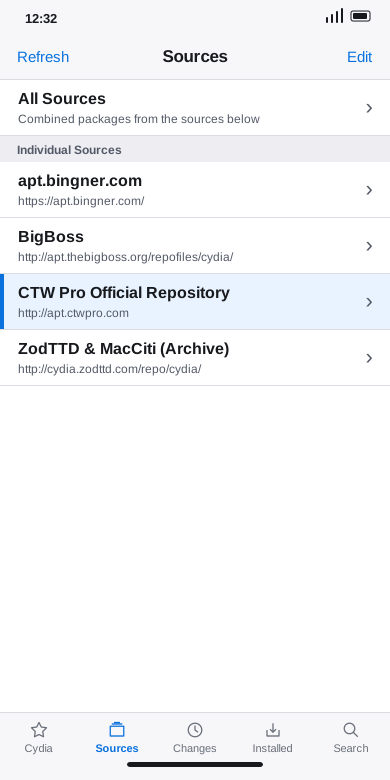
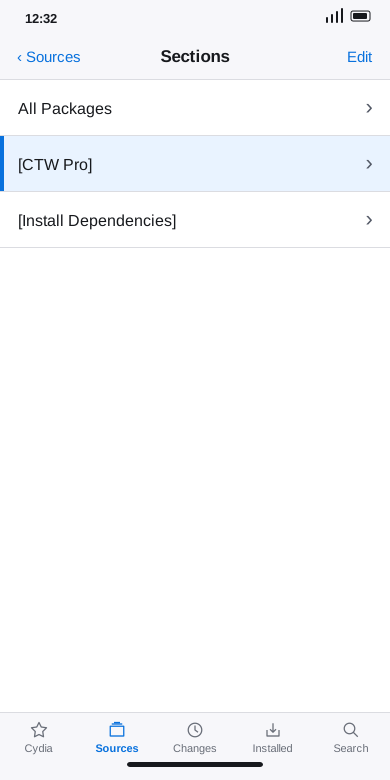
- Open the [CTW Pro] section.
- Open the CTW Pro package and tap Install.
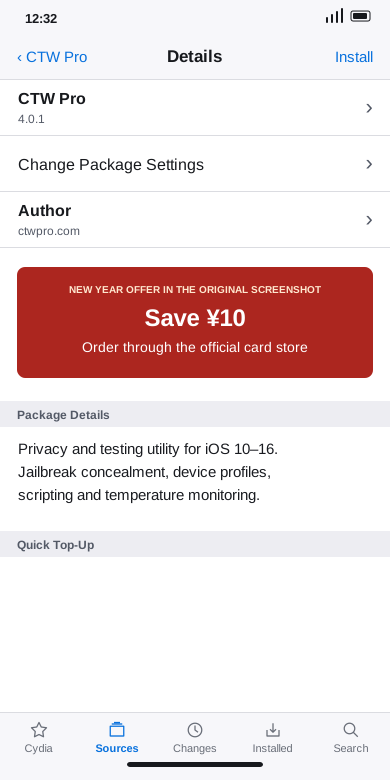
- Wait for Cydia to download and install the package. When it says Complete, tap Restart SpringBoard.
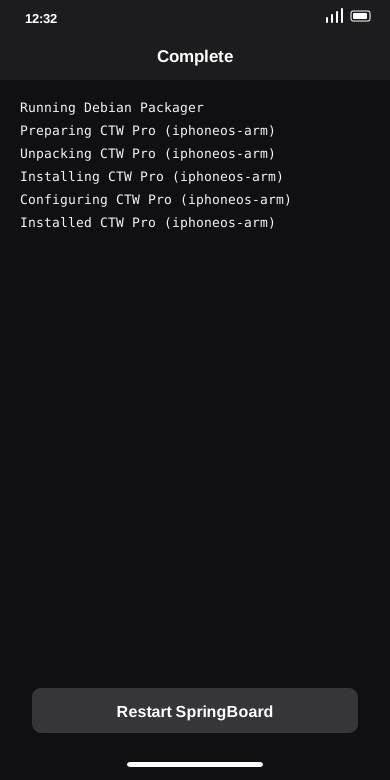
- Find CTW Pro on the Home Screen after SpringBoard restarts.